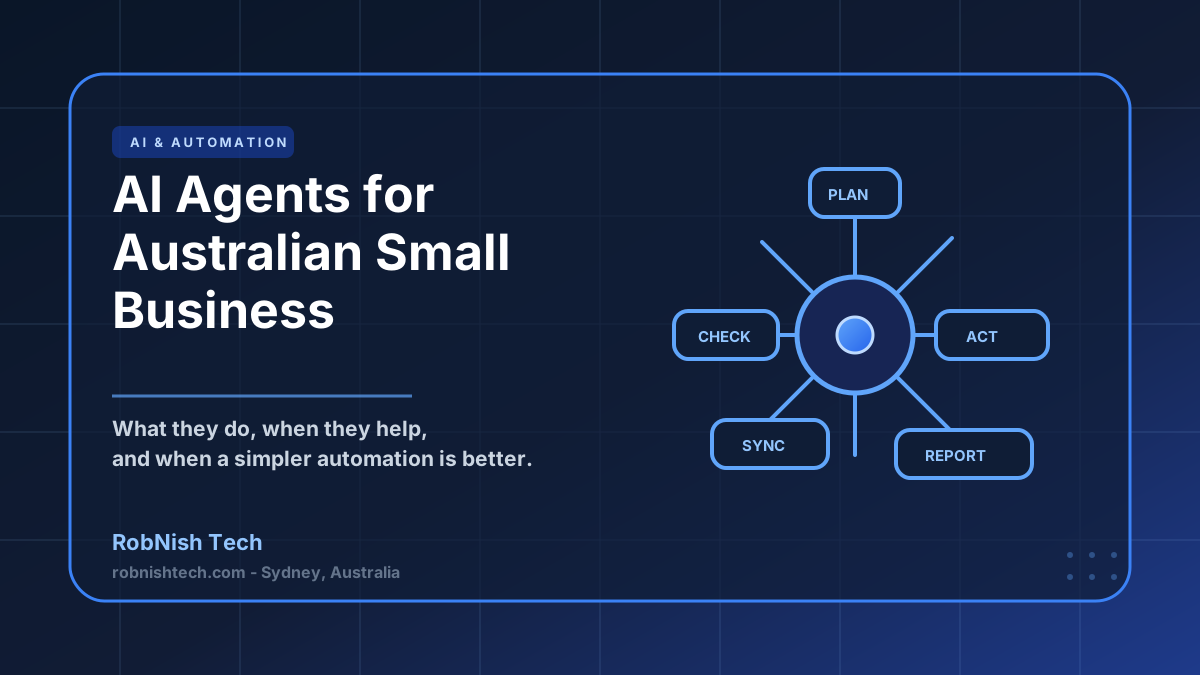
AI agents are moving from hype into practical business software. For Australian small businesses, the opportunity is not to replace every staff member with a digital worker. The useful opportunity is much narrower: take a repetitive workflow, give the software the right context, connect it to the right tools, and let it complete small decisions or actions with human oversight.
That distinction matters. A good AI agent is not just a chatbot with a nicer name. It is a system designed around a workflow, a set of permissions, business rules, data sources, and a clear definition of what it can and cannot do.
What is an AI agent?
An AI agent is software that can take a goal, reason through the steps needed to complete it, use tools or APIs, and return an outcome. In a business context, an agent might read a customer email, check the CRM, find the related invoice in Xero, draft a response, and flag anything that needs human approval.
The important word is bounded. The best small business AI agents are not open-ended systems. They work inside a defined process with known data sources, known actions, and clear fallback rules.
Key Takeaway
Useful AI agents are built around one valuable workflow, not a vague promise to automate the whole business.
How AI agents differ from chatbots and automation
A chatbot mainly has a conversation. It answers questions, collects information, or guides someone through a support flow. A traditional automation follows fixed rules: when this happens, do that. An AI agent sits between those two ideas. It can use language understanding and judgement, but still operates inside a workflow.
For example, a basic automation can send a reminder when an invoice is overdue. A chatbot can answer "how do I pay my invoice?" An AI agent can review a customer account, identify the unpaid invoices, check whether there is an open support issue, draft a polite follow-up, and send it for staff approval.
That extra flexibility is powerful, but it also creates more implementation work. You need permissions, logs, testing data, exception handling, and a clear human-in-the-loop process.
Good AI agent use cases for Australian SMBs
The best use cases are workflows where your team already knows what a good outcome looks like, but the process involves too much reading, checking, copying, or switching between systems.
- Enquiry triage: classify inbound enquiries, check service fit, enrich CRM records, and draft a response.
- Operations support: turn job notes, photos, forms, and emails into structured updates for an internal system.
- Finance admin: match documents to customer records, prepare invoice notes, and flag exceptions for review.
- Knowledge assistants: answer staff questions from internal policies, project notes, and SOPs using a controlled knowledge base.
- Reporting workflows: collect data from multiple systems and prepare weekly summaries for managers.
These use cases often sit beside API integration and automation. The agent handles interpretation and judgement; the integration layer handles the reliable system updates.
When not to build an AI agent
AI agents are not the right starting point for every business. If your process is simple and rule-based, normal automation is cheaper and easier to maintain. If your data is messy, duplicated, or stored across personal spreadsheets, the first project may need to be a data cleanup or custom internal tool, not an AI agent.
You should also avoid agents for high-risk decisions unless there is strong human review. Pricing approvals, legal advice, medical decisions, payroll changes, and sensitive customer outcomes need careful controls. In many cases, the agent should prepare a recommendation, not perform the final action.
If the workflow cannot be explained clearly to a new employee, it is probably not ready to be automated by an AI agent.
Cost and timeline in Australia
AI agent costs vary because the agent is only one part of the system. The real work is usually integration, workflow design, testing, security, and monitoring.
| Project type | Typical scope | Indicative cost | Timeline |
|---|---|---|---|
| Prototype | Single workflow, limited data, manual approval | A$15k-A$35k | 3-6 weeks |
| Production agent | Tool integrations, logs, permissions, staff workflow | A$40k-A$120k | 8-16 weeks |
| Multi-agent system | Several workflows, multiple systems, advanced governance | A$120k+ | 16+ weeks |
For many small businesses, the best first step is not a large platform. It is a narrow pilot that proves the workflow, measures time saved, and gives staff confidence before expanding.
A practical implementation plan
Start by choosing one workflow with a clear owner. Document the current process, the inputs, the decisions, the systems involved, and what happens when something goes wrong. Then decide which actions the agent can take automatically and which actions require approval.
A practical build usually includes discovery, prototype, integration, staff testing, production rollout, and monitoring. At RobNish Tech, this often sits inside a broader AI integration project, especially when the agent needs to work with existing business systems.
- Pick one high-friction workflow.
- Map inputs, outputs, systems, and approvals.
- Build a prototype using real but safe sample data.
- Test edge cases with staff before connecting production systems.
- Roll out with logs, monitoring, and a clear escalation path.
Frequently Asked Questions
What is an AI agent in business software?
An AI agent is software that can interpret a goal, use business context, call tools or APIs, and complete multi-step tasks with defined guardrails. In business settings, agents are usually built around a narrow workflow such as triaging enquiries, preparing reports, updating records, or assisting staff with operational decisions.
How much does an AI agent cost to build in Australia?
A focused AI agent prototype can often start around A$15,000 to A$35,000. A production-ready agent connected to business systems, permissions, audit logs, testing, and monitoring is commonly A$40,000 to A$120,000 or more depending on complexity.
Is an AI agent better than workflow automation?
Not always. Workflow automation is better when the process is predictable and rules-based. AI agents are useful when the workflow needs judgement, document understanding, language interpretation, or flexible decision-making across several tools.
Can an AI agent connect to Xero, CRMs, and internal tools?
Yes, if those systems provide APIs or reliable integration points. For Australian businesses, common integrations include Xero, CRMs, job management systems, support desks, spreadsheets, internal databases, and document stores.
What should a small business automate first with AI agents?
Start with a narrow, high-friction workflow where staff already follow a repeatable process but spend too much time reading documents, summarising information, checking records, or moving data between systems.
Need Help With Your Next Project?
We build custom software, integrate AI, and automate workflows for businesses across Australia.
Get in Touch