Most Australian small businesses don't have a formal IT budget. They approve software licences one by one, respond to hardware failures reactively, and discover they've been paying for tools no one uses anymore only when cash gets tight. By then, the waste has already happened.
An IT budget doesn't need to be complicated. It needs to be intentional. This guide walks through how much to spend, what to include, and how to make technology investment decisions that actually support your business — not just your software vendors.
Why Your IT Budget Matters More Than You Think
Most small business owners think about IT costs in one of two ways: either as an unavoidable overhead they try to minimise, or as a line item that only matters when something breaks.
Both framings are costly. Treating IT purely as overhead leads to underinvestment in tools that could save your team hours each week. Treating it as reactive maintenance means you're always one failed hard drive or expired certificate away from an emergency.
The businesses that get the most out of their technology spend treat IT as a planning problem, not a procurement problem. They know what they're spending, why they're spending it, and what return they expect.
Key Takeaway
An IT budget isn't just about controlling costs — it's about making deliberate decisions about where technology creates real value in your business and where it doesn't.
How Much Should an Australian Small Business Spend on IT?
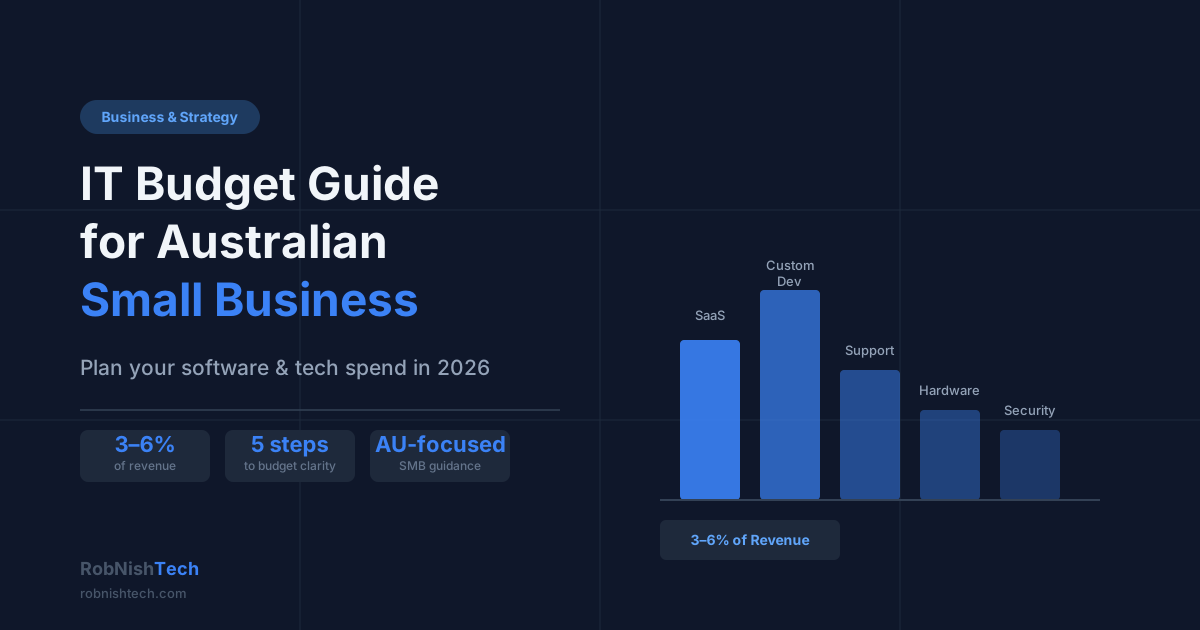
The commonly cited benchmark is 3–6% of annual revenue for small businesses, rising to 7–10% for businesses in regulated industries or those with significant technology dependencies.
For context, that means:
- $500k revenue → $15,000–$30,000 per year
- $1M revenue → $30,000–$60,000 per year
- $2M revenue → $60,000–$120,000 per year
These figures cover all technology spend: software licences, hardware, cloud hosting, IT support, and any custom development work.
The right number for your business depends less on your revenue than on how central technology is to your operations. A trades business running simple job management software has very different IT needs from a professional services firm managing complex client workflows across multiple disconnected systems.
Don't use the benchmark as a ceiling. Use it as a starting point for an honest conversation about whether you're under-investing in areas that are slowing your business down.
What to Include in Your IT Budget
A complete IT budget covers more than the obvious line items. Here's a practical breakdown:
Software licences and SaaS subscriptions
This is typically the largest and fastest-growing category. Include every recurring subscription: your CRM, accounting software, project management tools, communication platforms, industry-specific software, and any AI or automation tools you're using. Many businesses find they're paying for 20–30% more in SaaS than they realise when they do a proper audit.
Hardware and devices
Computers, monitors, phones, and networking gear. Most hardware follows a 3–5 year replacement cycle. Budgeting for predictable refresh costs is much better than scrambling when a laptop fails during a busy period.
Cloud hosting and infrastructure
If you're running any web applications, databases, or cloud services, include hosting costs. These can grow quickly as your data and user base expands.
IT support and managed services
Whether you use an internal IT person or an external managed service provider, the cost of keeping your systems running belongs here. This is distinct from the cost of building new things.
Security and compliance
Cyber insurance, endpoint protection, backup solutions, and any compliance-related tooling. This category is often underfunded relative to the actual risk it's managing.
Custom development and automation
One-off investments in custom software, integrations, or automation workflows. These are project costs rather than recurring expenses, but they belong in the IT budget because they directly affect your operating costs and team capacity in subsequent years.
Software Investment vs Managed IT: Know the Difference
A common source of confusion in IT budgeting is treating all tech spend as the same category. It isn't.
Managed IT services cover the ongoing cost of keeping your existing infrastructure reliable: helpdesk support, patching, monitoring, hardware maintenance, and security. These costs are largely fixed and scale with headcount. Most MSPs in Australia charge $80–$200 per user per month depending on the service level.
Software investment covers tools and systems that change how your business operates. This includes SaaS subscriptions, but also the cost of building custom software, setting up API integration and automation workflows, or replacing legacy systems that are slowing you down.
The distinction matters because the questions you ask about each are different. For managed IT, the question is: "Are we getting reliable service for a fair price?" For software investment, the question is: "Is this tool actually making us more productive, or are we paying for complexity we don't need?"
When Custom Software Makes Sense in Your IT Budget
Custom software development is not the right answer for every problem. But it's often the right answer for businesses that have grown past the natural limits of their current tools.
Signs that a custom build might belong in your IT budget:
- Your team regularly exports data from one system and manually re-enters it into another
- You're paying for a SaaS platform but using only 20–30% of its features
- Your current tools were chosen for a smaller business and now require significant workarounds
- You're managing critical business processes through spreadsheets that have become too complex to maintain reliably
- You want to offer clients a portal, integration, or automated experience that off-the-shelf software doesn't support
The economics typically work like this: a custom build has a higher upfront cost but lower long-term running costs. SaaS scales with users and features; custom software doesn't. For a 15-person business paying $500/month per user for a tool that mostly meets its needs, a targeted custom build might pay for itself within 18 months. Our custom software ROI guide shows how to calculate that payback for your own numbers.
Key Takeaway
Custom software is a capital investment, not an operating expense. Budget for it as you would for equipment — with a clear view of what problem it solves, what it costs to build, and what it costs to maintain.
Common IT Budget Mistakes (And How to Avoid Them)
Buying tools to solve problems you haven't defined
Software purchased without a clear problem statement rarely gets used properly. Before approving any new subscription, define the specific workflow it's meant to improve and who will own the implementation.
Not auditing existing spend annually
Most growing businesses accumulate SaaS subscriptions faster than they retire old ones. A 30-minute annual audit — listing every subscription, its cost, and whether it's actively used — typically identifies 15–25% of spend that can be cut or renegotiated.
Treating all IT spend as the same
A $500/month SaaS subscription and a $20,000 custom software project are very different decisions. One is an operating expense; the other is a capital investment. Mixing them in the same budget line makes it hard to evaluate either one clearly.
Underestimating integration costs
Off-the-shelf tools rarely talk to each other out of the box. The real cost of adding a new system often includes the time and money required to connect it to your existing tools. This is worth scoping before you commit.
Deferring automation investment until you're in pain
The best time to automate a manual process is before it becomes a bottleneck. By the time the pain is severe, your team has usually built workarounds that make the fix more complex than it needed to be.
How to Build Your IT Budget Step by Step
Here's a straightforward process for building an IT budget that actually reflects your business:
Step 1: Audit current spend. List every technology cost from the last 12 months. Categorise each one: software, hardware, support, hosting, development. Include annual subscriptions and one-off costs.
Step 2: Identify what's working and what isn't. For each major tool, note whether it's actively used, whether your team is satisfied with it, and whether it's creating any manual workarounds. This is your efficiency audit.
Step 3: Define your technology priorities for the year. What processes are costing your team the most time? What systems are creating the most friction? Where are you leaving money on the table because your tools can't support a better customer experience?
Step 4: Cost out the improvements. For each priority, estimate the cost of the improvement: a new SaaS tool, an integration build, a custom workflow. Get at least one specific quote for anything over $5,000.
Step 5: Allocate and commit. Set a total budget, allocate it across categories, and treat deviations as decisions — not accidents. If something urgent comes up mid-year, it should displace something else, not just add to the total.
If you're unsure where to start, book a free consultation with RobNish Tech. We can help you identify where custom software or automation would have the most practical impact on your operations.
Frequently Asked Questions
How much should a small business in Australia budget for IT in 2026?
Most small businesses should allocate 3–6% of annual revenue to IT, covering software licences, hardware, support, and automation tools. A business turning over $500,000 annually should budget roughly $15,000–$30,000. Businesses investing in custom software or AI tools may spend more in year one but typically see lower running costs in subsequent years.
What is the difference between IT support costs and software development costs?
IT support covers keeping your existing systems running — hardware, security patches, cloud subscriptions, helpdesk, and managed services. Software development is an investment in building something new: a custom tool, an automation workflow, or an integration between your existing systems. Both belong in your IT budget but serve different purposes.
Is custom software worth the investment for a small business?
Custom software makes sense when off-the-shelf tools don't fit your workflow, you're paying for features you don't use, or your team is spending hours manually moving data between disconnected systems. The break-even point is typically 12–24 months depending on the complexity of the build and the value of the time saved.
How do I prioritise IT spending when my budget is tight?
Start with the highest-cost manual processes in your business — those are usually the best candidates for automation. Prioritise tools that save staff time, reduce errors, or directly support revenue. Defer nice-to-have integrations and upgrades until the foundations are solid.
Should I include SaaS subscriptions in my IT budget?
Yes. SaaS costs are often underestimated because they grow incrementally — a new subscription here, a licence upgrade there. Auditing your SaaS stack annually and comparing the total cost against a custom-built alternative is a worthwhile exercise, especially once your team grows beyond 10–15 people.
Need Help With Your Next Project?
We build custom software, integrate AI, and automate workflows for businesses across Australia.
Get in Touch