If your team spends hours each week copying data between spreadsheets, chasing invoice statuses, or running the same reports by hand, there is likely a better way. Python automation lets you replace those repetitive tasks with scripts that run automatically, accurately, and on a schedule you control.
This guide is for Australian small business owners and operations managers who want to understand what Python automation actually involves, what it can realistically do for a growing business, and how to decide whether it is worth the investment.
What Is Python Automation for Business?
Python is a programming language that is well-suited to automation tasks. It is widely used to write scripts that perform repetitive, rule-based work — reading files, sending emails, pulling data from APIs, filling spreadsheets, generating reports, and much more.
Unlike off-the-shelf tools such as Zapier or Make, Python automation can be tailored precisely to how your business works. It connects directly to your systems, handles edge cases, processes large data sets, and runs on a schedule without requiring a third-party subscription for every workflow.
For small businesses, Python automation typically sits between "doing it manually" and "building a full custom application." It is faster to build than a complete web app, more reliable than a patchwork of no-code tools, and far less expensive than enterprise software.
Common Use Cases for Australian Small Businesses
Python automation works best for tasks that are repetitive and rule-based, currently done by hand (often in spreadsheets), time-sensitive or error-prone, or pulling and pushing data between different systems.
Invoice and Payment Reconciliation
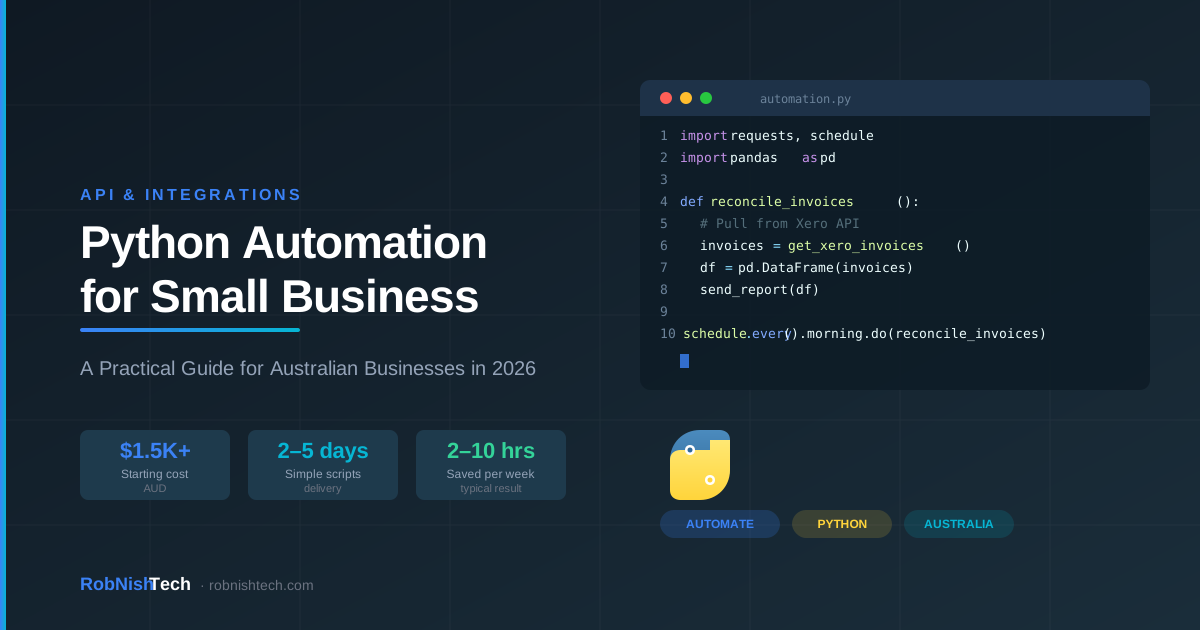
Reconciling payments in Xero or MYOB against a spreadsheet of expected amounts is a classic manual task. A Python script can pull invoice data from the Xero API, compare it to your records, flag discrepancies, and email a summary to your accounts team each morning. This is a task that often takes two to three hours a week manually and can be reduced to a five-minute review.
Report Generation
Many businesses need weekly or monthly reports that pull data from multiple sources — a CRM, a spreadsheet, a database, or a third-party platform. Python can automate the extraction, formatting, and delivery of these reports. Instead of someone compiling data every Friday, the report arrives in your inbox automatically.
Data Cleanup and Migration
Moving data between systems is tedious and error-prone when done by hand. Python can read a CSV export from one system, clean the data, and import it correctly into another — handling formatting inconsistencies, duplicate records, and missing fields that would take a person hours to fix manually.
Customer and Lead Management
If you use a CRM such as HubSpot, Python scripts can automate follow-up reminders, sync lead data from your website, or tag contacts based on behaviour without requiring a premium tier that unlocks automation features.
Scheduled Notifications and Alerts
Python can monitor a condition — stock levels, overdue tasks, expiring contracts — and send an email or Slack message when something needs attention. This turns reactive fire-fighting into proactive operations.
Python Automation vs No-Code Tools: What's the Difference?
Tools like Zapier, Make (formerly Integromat), and n8n are excellent for simple, linear workflows. They are visual, require no coding, and get running quickly.
Python automation makes more sense when your workflow has complex logic or conditional branching, you need to process large volumes of data (thousands of rows at a time), you want to avoid ongoing per-task or per-operation fees, the integration you need is not available in a no-code tool, or you want the script to run on your own infrastructure or as part of a larger system.
For most small businesses, the right answer is a combination of both. Simple, low-volume workflows belong in a no-code tool. Complex, high-volume, or data-intensive tasks belong in Python.
If you are already using workflow automation tools and hitting their limits, Python is often the next natural step.
Key Takeaway
Python automation is not a replacement for no-code tools — it is a step up from them when complexity, data volume, or cost make no-code the wrong fit.
How Much Does Python Automation Cost in Australia?
Cost depends on the complexity of the task, the number of integrations involved, and the ongoing maintenance required.
Simple scripts (1–3 days of work): $1,500–$5,000 AUD
Examples: a single report automation, a Xero reconciliation script, a CSV import/export process.
Moderate automation (1–2 weeks of work): $5,000–$15,000 AUD
Examples: a multi-step data pipeline, an API integration with error handling and logging, a scheduled batch process with email alerts.
Complex systems (3–6 weeks of work): $15,000–$40,000 AUD
Examples: a full data sync between three or more systems, an automated reporting suite, a scheduled ETL (extract, transform, load) pipeline with monitoring and retries.
These ranges assume a professional developer writing production-quality code with proper error handling, logging, and documentation. A quick script written without testing or documentation may be cheaper upfront but will cost more to maintain or debug later.
Ongoing maintenance is also worth budgeting for. If the APIs or data formats your script relies on change — which they do — you will need to update the script. Budgeting $500–$2,000 per year for a small automation is reasonable.
To get an accurate picture of what a Python automation project would cost for your specific needs, the best starting point is a scoping conversation with a developer who understands your systems. Our process page explains how we approach this kind of discovery work.
How Long Does It Take?
A straightforward automation script can be scoped, built, tested, and deployed in two to five business days. This assumes the developer has clear requirements, access to the relevant APIs or data sources, and a test environment to work in.
More complex projects with multiple data sources, error handling requirements, or deployment to a cloud environment typically take two to four weeks.
If your business is not sure what it needs, a one-day discovery session — where a developer reviews your current processes and identifies automation opportunities — can save significant time and money before any code is written.
What Does a Python Automation Project Look Like?
Here is a simplified version of how a typical small business automation project runs at RobNish Tech:
- Discovery: We review your existing process, identify the inputs, outputs, and edge cases, and confirm what systems are involved.
- Scoping: We define the scope, timelines, and cost clearly before any code is written.
- Development: We write the script with proper error handling, logging, and documentation.
- Testing: We test against real or representative data, including edge cases and failure scenarios.
- Deployment: We deploy the script to run on a schedule — on a cloud server, your own infrastructure, or a lightweight serverless platform.
- Handover: You receive documentation and can request future changes or maintenance.
Our custom software development service and API integration work both include Python automation as part of the delivery. We work with businesses across Sydney and Australia-wide.
Is Python Right for Your Business?
Python automation is a good fit if you have at least one process that takes more than two hours a week and follows consistent rules, that process involves data from spreadsheets, APIs, or exported files, you are prepared to invest in a one-off build rather than ongoing subscription fees, and you want something that runs reliably without someone having to trigger it manually.
It may not be the right fit if your process changes so frequently that maintaining a script would outweigh the time savings, a no-code tool already covers the need at a reasonable cost, or your data quality is too inconsistent for automation to work reliably without significant cleanup first.
If you are not sure, a short discovery session can clarify whether automation is the right approach and what it would realistically cost to build.
Frequently Asked Questions
What kinds of tasks can Python automation handle?
Python can automate almost any task that involves reading data, making decisions based on rules, calling APIs, generating reports, sending emails, and writing outputs to files or databases. Common examples for small businesses include invoice reconciliation, report generation, CRM data syncing, scheduled alerts, and data cleanup between systems.
Do I need to understand Python to use it for my business?
No. You need to understand what the automation should do and be able to describe the process clearly. A developer translates that into code. You will receive documentation and can request changes without writing any code yourself.
Is Python automation suitable for small businesses in Australia?
Yes. Python is one of the most widely used tools for business automation globally. In Australia, it is commonly used by professional services firms, trades businesses, operations teams, and startups to reduce manual work and improve data accuracy.
How much does Python automation cost for an Australian small business?
Simple scripts (1–3 days of work) typically cost $1,500–$5,000 AUD. Moderate automations (1–2 weeks) run $5,000–$15,000 AUD. Complex multi-system pipelines (3–6 weeks) range from $15,000–$40,000 AUD. Ongoing maintenance typically costs $500–$2,000 per year for a small automation.
How is Python automation different from custom software?
Python automation typically refers to scripts or scheduled processes that run in the background rather than applications users interact with directly. A Python script might sync your orders to a spreadsheet every night. Custom software might be a web app your team logs into each day. The two often overlap — a custom web application may use Python for its backend logic and automation tasks.
Need Help With Your Next Project?
We build custom software, integrate AI, and automate workflows for businesses across Australia.
Get in Touch